


Indian calligraphy, generated right inside Canva.
Generate Hindi, Marathi, Gujarati, and English calligraphy directly in your Canva projects — powered by the Studio99 generation engine.
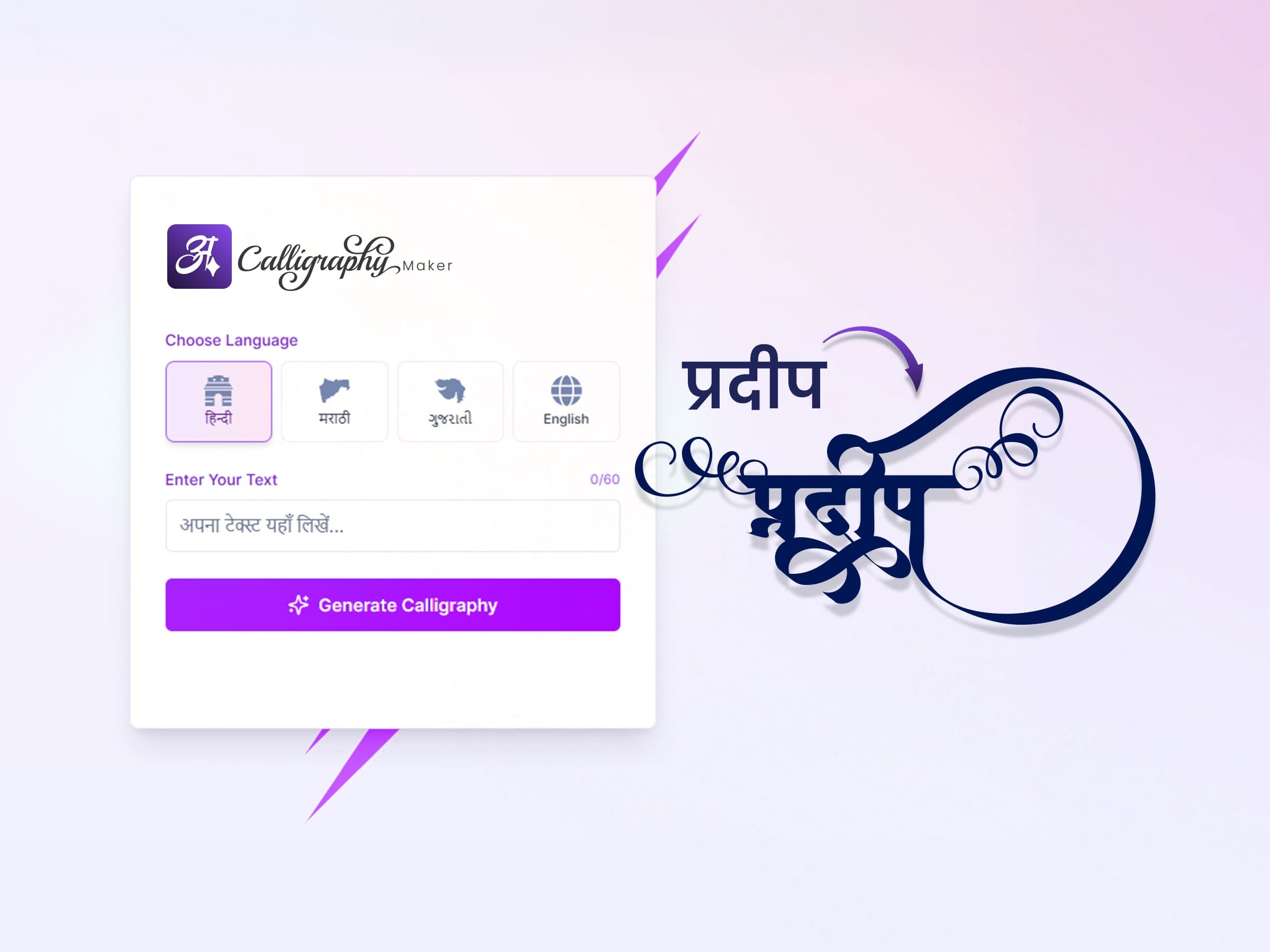
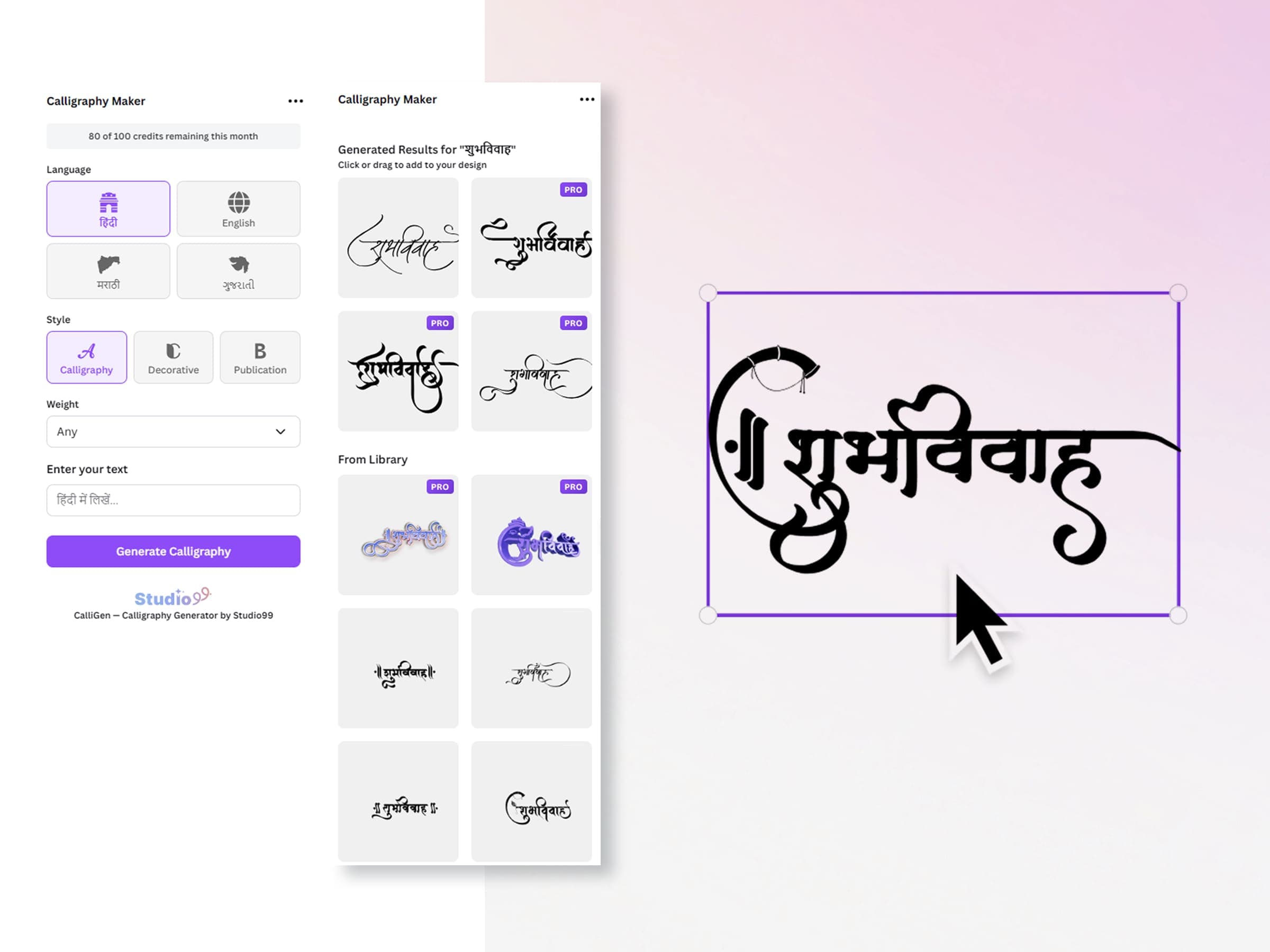
From text to artwork on your canvas — without leaving Canva.
Calligraphy Maker lives in the Canva side panel. Generate fresh lettering or pull from the library, then click or drag it straight onto your design as crisp, scalable artwork.
Type or transliterate
Enter text in Hindi, Marathi, Gujarati, or English — or type in Roman letters and let smart transliteration do the rest.
Pick a style
Generate fresh calligraphy or choose from the curated library of Indian calligraphy artwork.
Drop onto your design
Click or drag any result straight onto the Canva canvas as crisp, scalable artwork — no exporting, no switching tools.
Everything you need for calligraphy inside Canva
Simple plans for Canva-side usage
Start free. Studio99 One unlocks Pro in the Canva app and in every other Studio99 app, with one account.
Studio99 One
Tap Upgrade inside the app, or buy on the web and sign in with the same account.
Open Canva, generate lettering, keep the suite connection clear.
Use Calligraphy Maker inside Canva for quick generation, or switch to Prishora for full layout control and advanced typography editing.